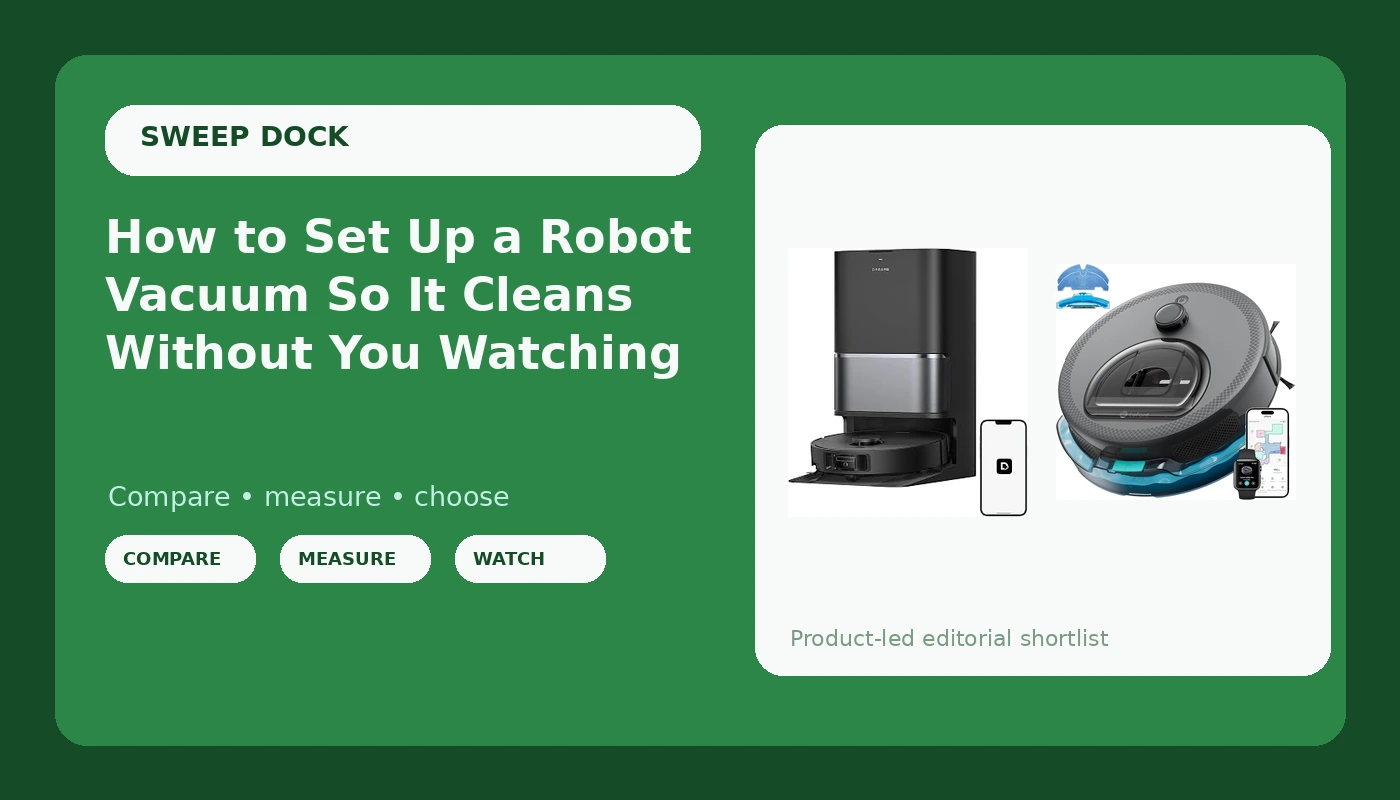
Most people unbox a robot vacuum, drop it on the dock, and press clean. Two weeks later they are on their knees dragging it out from under the sofa table for the fourth time, and the hallway still has not been touched. The machine is not usually the problem. The order of operations is.
A robot vacuum setup for pet hair is a floor problem before it is an app problem. My husky and my lab together shed roughly one extra dog per week, and I have run three robots through this house in four years, so I have learned what a robot actually needs before you can leave it alone: a map it trusts, a floor with nothing for it to eat, and a schedule that matches when the shedding happens.
This is the sequence I use now. It takes about an hour on day one and ten minutes a month after that. It works on a budget unit and on a premium one, and I will flag where those two diverge.
Why you should trust me
I have been running robot vacuums in a ranch-style house in Austin for about four years. Hardwood in the living areas, tile in the kitchen, low-pile carpet in the bedrooms, and two dogs that produce a shocking amount of hair. My first unit was a $90 random-navigation bot that zig-zagged into the same corner three times, skipped the hallway entirely, and wedged itself under the sofa table on nearly every run. I finished rooms with manual app control, driving it around like an RC car, more than once.
That bot taught me the lesson behind every recommendation I make: navigation matters more than suction. A robot that cannot find the dock from the back bedroom is a robot you will stop using by month three. I am not here to sell you a robot. I am here to tell you that a robot vacuum is a maintenance tool, not a replacement for your real vacuum, and that setup is what decides whether it earns its spot next to the baseboards.
The two robots I would build this routine around
Both of the units below are vacuum and mop combos, and both will run the same setup. The difference is where you land on price and how much machine you want under the couch.
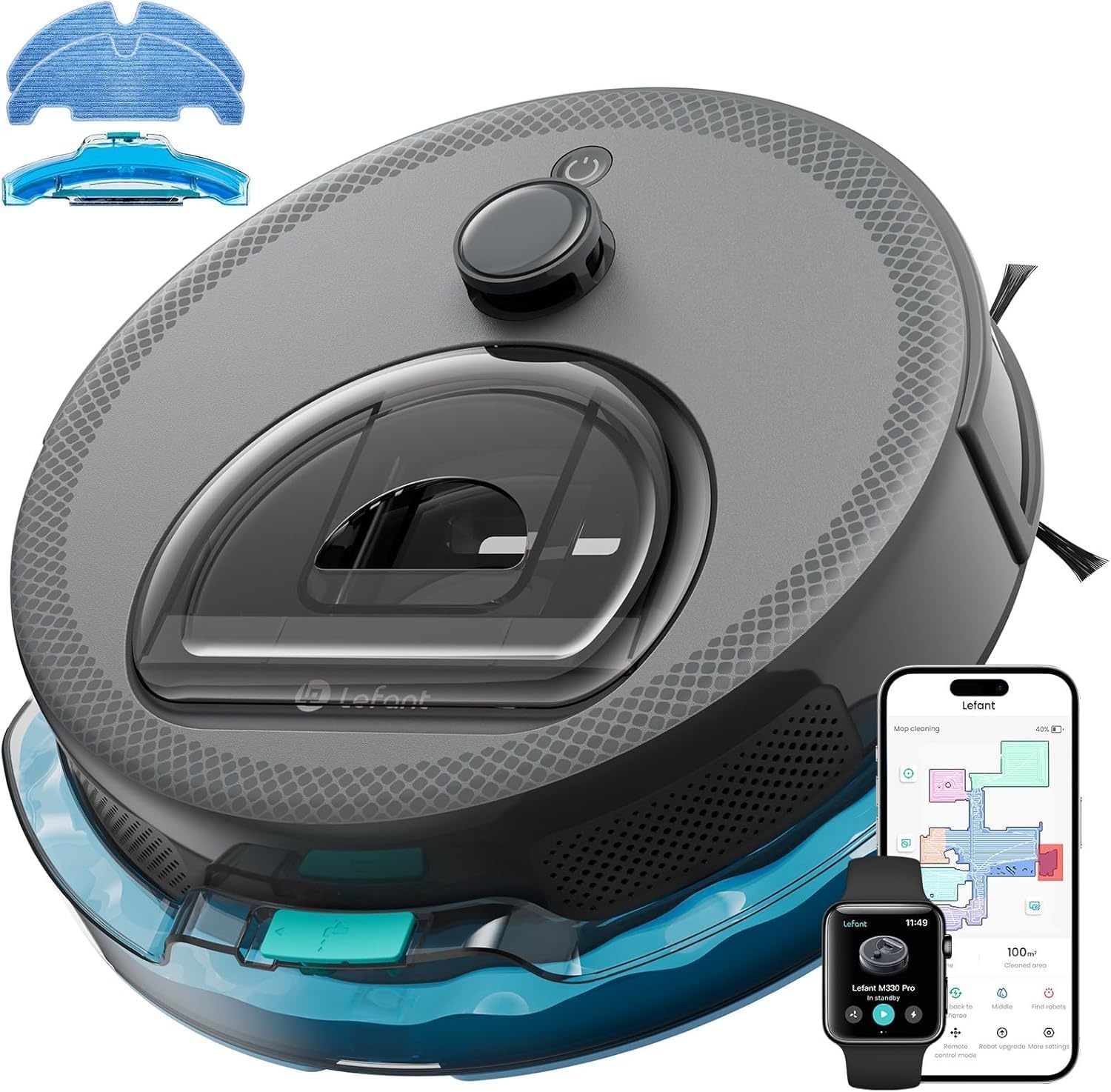
Budget pick: Lefant Robot Vacuum and Mop, Smart Mapping and Obstacle Avoidance, Tangle-Free Pet Hair, 2.4G/5G WiFi App Control, Slim Design for Wider Coverage, Carpet Detection, M330 Pro, Grey
 Visit on Amazon →
This is the one I would hand to someone doing their first real mapped setup on a budget. The supplied specs cover the things this workflow depends on: smart mapping and obstacle avoidance for the map you are about to build, tangle-free pet hair handling for the husky problem, carpet detection so it knows when the surface under it changes, and 2.4G/5G WiFi app control so the schedule lives on your phone instead of on the robot. The slim design is the part people underrate, because a lower body gets under more furniture, and under the furniture is where the hair actually collects. Check current Amazon price, since this class of robot moves on discount constantly.
Flaws but not dealbreakers: Obstacle avoidance at this price is good, not perfect. Cords and thin charging cables still deserve a no-go zone. Do not expect it to be your deep cleaner either.
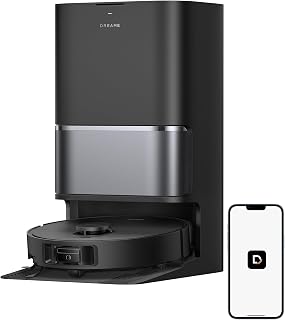
Upgrade pick: dreame L40 Ultra Gen 2 Robot Vacuum and Mop with 25,000Pa Suction
 Visit on Amazon →
If you want the most suction of the two in a vacuum and mop combo, this is where I would look. The 25,000Pa figure is the headline, and in a house with two shedding dogs the point of that much pull is carpet. Hair that has already been pressed down into a low-pile rug is the hardest thing a robot deals with, and suction is what gets it back out. This is the unit for someone who wants the heavy end of the market and will actually run the maintenance in step five. Check current Amazon price before you decide, because the gap between tiers shrinks during sale events.
Flaws but not dealbreakers: More suction does not mean less babysitting. You still do the floor prep and the no-go zones. More power also usually means more noise, so do not schedule it next to the TV.
Step one: Clear the floor like you mean it
Before the robot ever leaves the dock, walk the floor at robot height. Not your height. Get down and look for the things a three-inch-tall machine will hit: phone charging cables, the tangle of cords behind the TV stand, dog toy squeakers, the corner of the area rug that curls up, and the legs of the sofa table it will try to climb. My rule is simple. Anything a robot can swallow or wrap around gets picked up, not negotiated with.
Do this once properly and you will not do it again, because step three turns the repeat offenders into permanent no-go zones. Fringed rugs are the exception. Fringe loses that fight every time, so either tuck it under or fence the rug off.
Step two: Watch the first run, and let it build the map
The first clean is not a cleaning run. It is a mapping run. Let the robot start from the dock and stay in the house while it works. Do not chase it, do not pick it up, and do not hit pause because it looks confused in the kitchen. A robot that gets interrupted mid-map often starts over, and you will spend the afternoon watching it re-cover the same square footage.
Watch for two specific things. First, whether it gets stuck anywhere at all. Second, whether it makes it back to the dock from the farthest room in the house when the battery drops. That dock run is the single best predictor of whether you will still be using this thing in six months. If it fails, move the dock before you blame the robot. A dock tucked behind a curtain or beside a dark doorway causes more failed returns than any navigation hardware.
Step three: Fence off the trouble spots before the second run
Once you have a map, use it. Open the app and draw no-go zones and virtual walls over the places you cleared in step one: behind the TV stand, the dog bowl corner, the rug it ate, and the strip of floor where the phone chargers live. This is the step that separates a robot you babysit from a robot you schedule.
If your robot does not support no-go zones, you have two options. Physically block the area with a magnetic strip or a barrier, or accept that you must be home when it runs. There is no third option, and anyone who tells you a random-navigation bot with no mapping handles cords is selling something.
Label the rooms while you are in the app, if it lets you. Room names are how you send it to the kitchen only after dinner, and that one feature cuts your runtime and your noise exposure in half.
Step four: Schedule around the shedding, not around your convenience
Schedules fail when they are built around your convenience instead of the mess. Two dogs means the hair is on the floor by mid-morning, so I run the main floor at 10 a.m., after the dogs have been out and fed, and before the afternoon shed really starts. You want a window when nobody is walking through with a coffee cup.
Set the schedule per room, not for the whole house. Kitchen after dinner, living areas in the morning, bedrooms once or twice a week. If your robot has carpet detection, let it handle the transition from hardwood to low-pile on its own instead of building separate jobs for each surface.
One honest caveat: under $300, you will want to be home while it runs. That is the trade-off, and scheduling a budget robot while you are at work is how you come home to a robot wrapped around a cord.
Step five: The monthly maintenance that keeps it finding the dock
Every robot that stops finding the dock has a maintenance problem, not a navigation problem, nine times out of ten. Once a month, do this: pull the brush roll and cut the hair off it, especially with a husky in the house. Wipe the charging contacts on both the robot and the dock with a dry cloth. Rinse or replace the filter depending on what your model allows. Empty the bin, and if you have a self-emptying dock, check the bag and the dock filter too, because self-emptying means you touch it less, not never.
The contacts are the one people skip, and they are the one that causes the "robot died in the middle of the living room" complaint. Dust and dog hair build up on those pads, the robot docks but does not charge, and you find it dead the next morning.
Pet hair is the real test
Husky-level shedding is the test that matters. A tangle-free brush design like the one on the Lefant is not marketing fluff at this level of hair, it is the difference between a five-minute monthly cleanup and a twenty-minute untangling session. High suction like the 25,000Pa on the dreame matters most on carpet, where hair gets pressed into the pile instead of sitting on top of it.
Either way, plan on a first pass that fills the bin. After a spring shed, one room can fill a bin on its own. Empty it and run the room again. The second pass is the one that looks like a clean floor.
What robot mopping actually does
Robot mopping is light maintenance. It keeps everyday footprints and dust off the tile and the hardwood. It does not touch dried-on stains or sticky spills, and no amount of marketing changes that. I still hand-mop the kitchen after the robot's pass when something actually spilled.
Set the water flow low. Too much water on hardwood is worse than no mopping at all, and a wet pad sitting on the dock grows a smell you will notice within a week. Change or rinse the pad after every mopping run and let it dry off the dock.
What this all costs
Here is the honest math. A budget mapped robot and a premium one both need the same hour of setup, and both need the same monthly maintenance. The difference is what you pay up front and how much suction and convenience you get.
Check current Amazon price on both before you decide, because the budget tier and the premium tier sit closer together during sale events than the list prices suggest. Add consumables to your mental budget too: filters, brush rolls, and mop pads. Those cost a little every few months on any robot.
The cost people forget is the hour. That hour of floor prep and no-go zone drawing is what makes the rest of the ownership cheap.
FAQ
Do I need to be home while the robot runs?
Under $300, yes, at least for the first couple of weeks. Once you know the map is good and the no-go zones cover the cords, you can leave it. With mapping and obstacle avoidance, you can usually schedule it and walk out.
How often should I run it with two dogs?
Daily on the main floor and twice a week in the bedrooms. If that sounds like a lot, that is because two shedding dogs produce a lot of hair, and a robot that runs every day never has to fight a week of buildup.
That is the job. Do the hour on day one, draw the zones, schedule it around the shed instead of around your calendar, and clean the contacts once a month. Your floor was built to handle this. Let the robot do it.