Related: LiDAR vs Random Navigation: Why Your Robot Keeps Getting Stuck
I've been running robot vacuums for about four years and I'm on my third unit. The first was a cheap random-navigation bot that bounced off walls in a zig-zag, wedged itself under the sofa table every single run, and eventually got driven around by hand like an RC car just to finish a room. That experience is why this robot vacuum and mop guide starts with navigation instead of a suction number printed on a box.
I live in a ranch-style house in Austin. Hardwood in the living areas, tile in the kitchen, low-pile carpet in the bedrooms, plus a husky and a lab that together shed roughly one extra dog per week. Everything below gets judged against that house, with phone cords and rug transitions left on the floor on purpose.
One framing note before the picks. A robot vacuum is a maintenance tool, not a replacement for your real vacuum. Anyone who tells you otherwise has not owned one for a year. These four models are not interchangeable, and the differences that matter are the boring ones: can it find the dock, does it get stuck on the same cord twice, and what does the mopping actually do.
Shark AI Ultra: The Balanced Pick
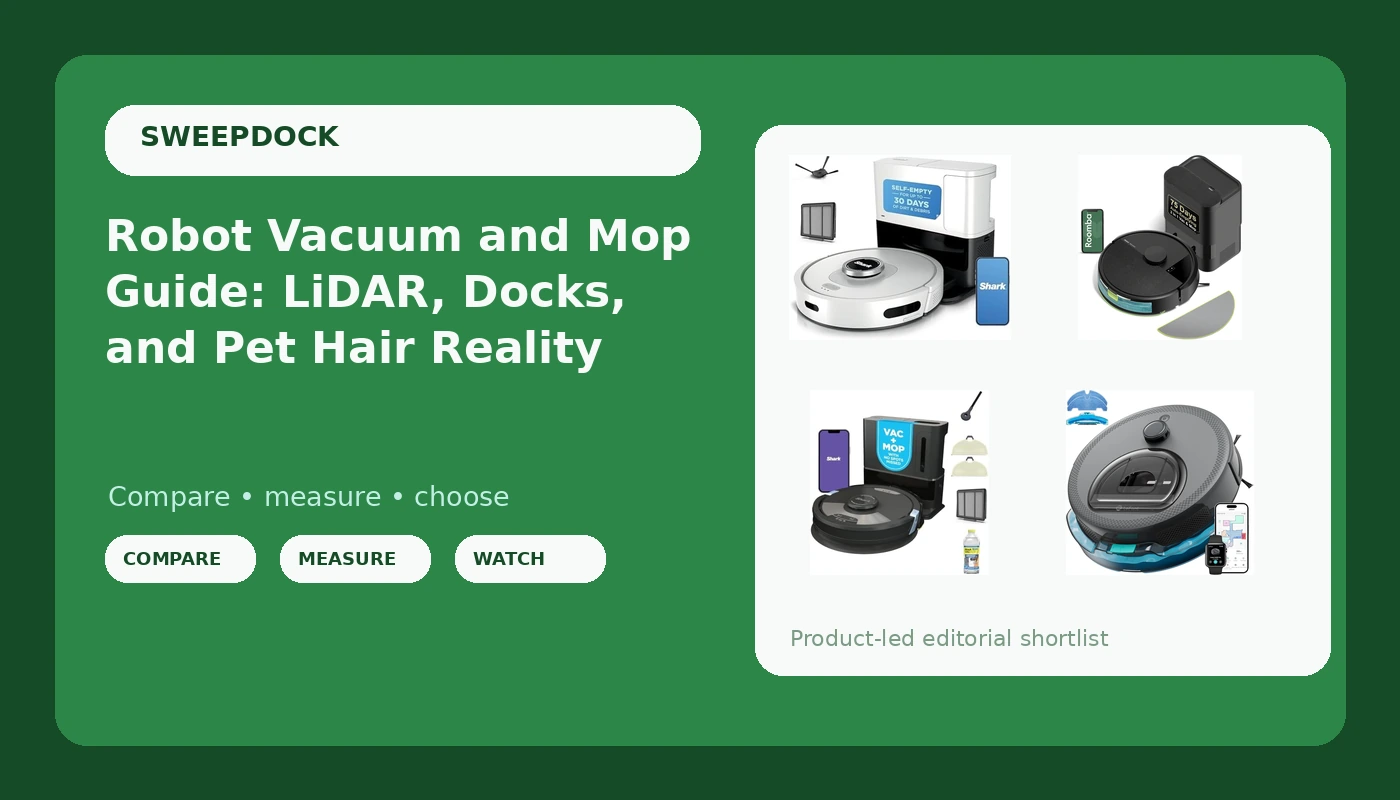
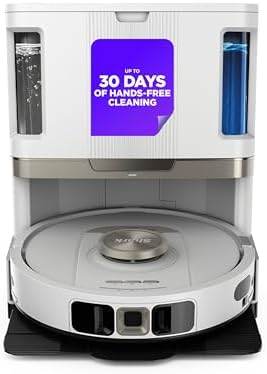
The Shark AI Ultra Robot Vacuum is the one I'd hand to somebody who wants a single machine to cover hardwood, tile, and low-pile carpet without a lot of configuration. The name promises AI-driven decision making, and the practical test for any AI claim is simple: does it build a map of the room, and does it get back to the dock from the back bedroom without me carrying it.
That dock-finding run from the farthest room is the test I trust more than any spec sheet. A robot that cleans beautifully and then dies in the hallway is a robot you will stop scheduling.
The other thing I watch is cord behavior. My living room has a phone charger cable that has eaten two robots, and a sofa table that is exactly the wrong height. A bot with real navigation treats those as obstacles. A bot without it treats them as a challenge.
This is the middle of the road pick in this group, and that is a compliment. It is the model I'd buy if I wanted carpet and hard floor handled by the same unit and I did not want to think about modes.
iRobot Roomba 105 Combo: The Dock Pick
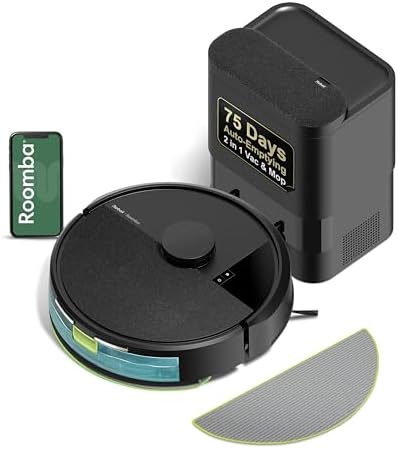
The Roomba 105 Combo is the model to look at if the dock is the part you care about most. It names LiDAR navigation, which is the technology that separates a robot that knows where it is from one that bumps around hoping, and it names a dock that self-empties for 75 days. It also avoids mopping carpet, which matters in a house like mine where the bedroom threshold is the difference between a clean pass and a wet stripe.
Self-emptying is a convenience, not a "never touch your robot again" solution. You still deal with filters and bags, and you still pull hair off the brush roll eventually. But going from emptying a bin every other day to emptying a bag every few weeks is a real change in how much you think about the machine.
Here is my honest Roomba position. It is the brand I recommend to people who never want to troubleshoot anything. The cleaning is fine, the app is fine, and the price is not fine. You are paying for the name and the reliability, and for some people that trade is worth it. If you have ever spent an evening fishing a robot out from under a couch, you know which side of that line you are on.
SharkMatrix Plus 2-in-1: The Mopping Compromise
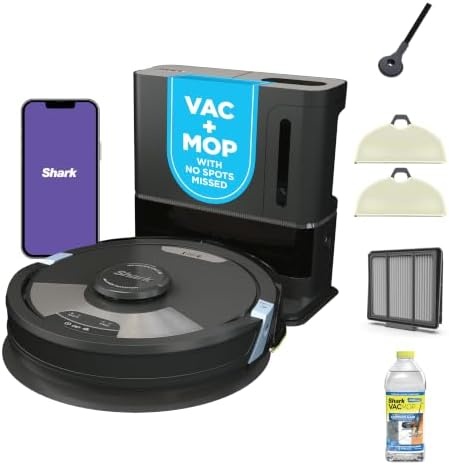
The SharkMatrix Plus 2-in-1 Robot Vacuum & Mop is the pick for someone who wants the vacuum and the mop in one pass, and I want to be straight with you about what that means. Robot mopping is light maintenance. It keeps everyday footprints off a tile kitchen and picks up the dust film that settles on hardwood. It does not touch dried-on stains or sticky spills, and I still hand-mop my kitchen after the robot's pass because I know the difference.
If you accept that, a 2-in-1 is genuinely convenient. You run one schedule, you get one pass, and the kitchen floor looks maintained instead of neglected. If you expect a robot mop to replace a bucket and a scrub brush, you will be disappointed, and it will not be the machine's fault.
The vacuum side of this one is what makes it worth considering in this group. On hardwood and low-pile carpet, the 2-in-1 form factor means you are not buying two devices and finding room for both. On the water tank side, expect to refill it more often than the marketing implies, because a small tank is a small tank.
Lefant M330 Pro: The Budget Entry With Real Mapping
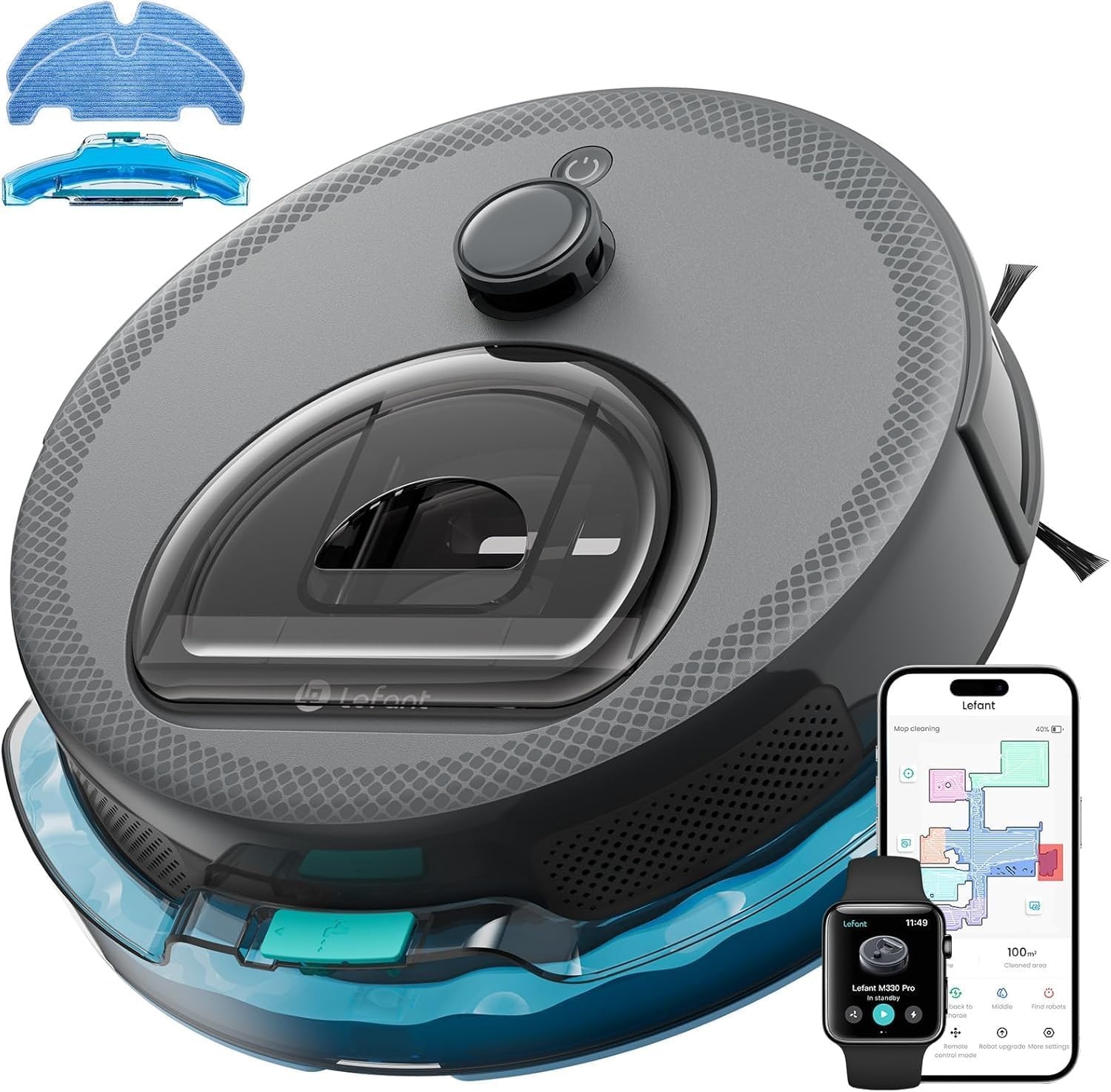
The Lefant M330 Pro is the budget entry in this group, and the reason it earns a spot is the feature list. It names smart mapping and obstacle avoidance, tangle-free pet hair pickup, carpet detection, 2.4G and 5G WiFi app control, and a slim design for wider coverage.
Mapping is the part I care about. A map and no-go zones are what stop you from babysitting a cheap robot. Fence off the dog bowls, fence off the cable nest behind the TV stand, and the robot stops being a daily rescue mission. That single feature is worth more than any suction number on the box, and it is the reason I tell people to spend a little more on mapping instead of buying a random-navigation special.
The slim body is a real advantage in a house with low furniture, though it also means a smaller bin. The 5G WiFi support is a small thing that saves a headache if your router splits bands, which mine does.
Judge this one the fair way: for the price. It is not a $600 machine and it should not be compared to one. It is the model for a first robot, a second floor, or a rental where you do not want to leave a $600 device behind.
The comparison table
Same four models, sorted by what you actually get. Navigation is the column that decides how much of your evening the robot owns.
| Model | Navigation | Dock | Best for |
|---|---|---|---|
 Visit on Amazon → Visit on Amazon →Shark AI Ultra Robot Vacuum, Black/Silver, AV2511AE Visit on Amazon → |
AI-assisted, map-based | Standard dock | Hardwood, tile, and low-pile carpet in one machine |
 Visit on Amazon → Visit on Amazon →iRobot Roomba 105 Combo Robot Vacuum & Mop with AutoEmpty Dock Visit on Amazon → |
LiDAR | AutoEmpty, 75 days | Hands-off emptying and carpet-aware mopping |
 Visit on Amazon → Visit on Amazon →SharkMatrix Plus 2-in-1 Robot Vacuum & Mop, Black/Brass, AV2610WA Visit on Amazon → |
Matrix mapping | Standard dock | Vacuum and light mop in a single pass |
 Visit on Amazon → Visit on Amazon →Lefant Robot Vacuum and Mop, M330 Pro, Grey Visit on Amazon → |
Smart mapping, obstacle avoidance | Standard dock | First robot, second floor, or a rental |
How I test these
Every robot that shows up here runs the same route in my house before I write a word. Two dogs, phone cords and rug transitions left in place on purpose, and a sofa table that has eaten more than one machine.
The dock test is the one I weight heaviest. I start the robot in the back bedroom, close the doors, and see whether it finds its way home without intervention. A robot that cleans well and cannot dock is a robot you will stop using by week three.
Then the cord test. Same charger cable, same corner, twice. A robot that hangs up on it once is an accident. Twice is a design problem.
The mopping test is a dried-on stain and a sticky spill. Most robots handle neither, and I would rather tell you that than sell you a deep-clean fantasy.
And the bin test: does a week of two-dog hair clog it or not. If you have a husky, that is the only endurance spec that matters.
What actually matters
Navigation beats suction. I will say that in every article until it stops being true. Suction means nothing if the robot cannot find the dock or gets stuck on the same cord twice. LiDAR and real mapping are what turn a robot from a toy you drive around like an RC car into an appliance you schedule.
Self-emptying is worth it, with an asterisk. The dock is weeks of dirt, not a promise that you never touch the machine. Filters, bags, and the occasional brush-roll haircut are still on you. Know that going in and the convenience is real.
Pet hair is the honest test. My husky sheds a whole second dog every spring. If a robot cannot handle that on low-pile carpet, the app does not matter and neither does the brand name.
Budget robots deserve fair judging. Expecting $600 performance from a budget machine is how people end up disappointed. Expecting it to map a room, avoid the obvious obstacles, and pick up daily hair is fair, and the Lefant M330 Pro is built for exactly that expectation.
Robot mopping is light maintenance. Footprints, dust film, kitchen crumbs. Not dried-on stains. I still own a mop and I still use it.
Should you buy the Shark AI Ultra?
Yes, if you want one machine for hardwood, tile, and low-pile carpet and you do not want to configure much. It is the middle of this group in every sense, and the middle is where most houses actually live.
Should you buy the iRobot Roomba 105 Combo?
Yes, if the dock is the feature you will notice every day. LiDAR navigation plus a dock that self-empties for 75 days is a genuinely hands-off combination, and the carpet-avoidance for mopping is the detail that keeps you from ruining a bedroom rug. You pay for the name. Some people should, and some people should not.
Should you buy the SharkMatrix Plus 2-in-1?
Yes, if you want mopping in the same pass and you already accept what robot mopping is. It keeps the tile kitchen looking maintained. It does not replace a bucket, and it was never going to.
Should you buy the Lefant M330 Pro?
Yes, if this is your first robot, your second floor, or a rental. Smart mapping, obstacle avoidance, and carpet detection in a slim body is a lot of the right features for a budget pick. Judge it for the price, and it holds up.
Whichever one you pick, schedule it while you are home for the first week. Watch the dock run, watch the cord corner, and empty the bin yourself once so you know what your house is putting in it. After that, the robot either earns its schedule or it does not.