Related: LiDAR vs Random Navigation: Why Your Robot Keeps Missing the Hallway
I have a husky and a lab, and between them they shed roughly one extra dog per week. So when I say a self-emptying robot vacuum has to earn its dock space in my house, I mean it has to survive that. My house is ranch style, hardwood in the living areas, tile in the kitchen, low-pile carpet in the bedrooms, and I leave the phone cords and the rug transitions on the floor on purpose during a test, because that is what the floor actually looks like at 10 a.m. on a Tuesday.
I have been running robot vacuums for about four years and I am on my third unit. My first was a $90 random-navigation bot that bounced off walls in a zig-zag, wedged itself under the sofa table every single run, and got so frustrating that I drove it around with my phone like an RC car just to finish a room. That thing is why I care about navigation more than suction. It is also why I say the same thing every time a friend texts me: it is not a replacement for your real vacuum. It is a maintenance tool. A good one, but a maintenance tool.
This guide is about four things people actually buy in the same shopping session: two Roombas built for different jobs, a budget LiDAR machine that does the mid-tier work, and the replacement part that keeps an older Shark IQ out of the trash. I will tell you what each one is for, and where the money stops making sense.
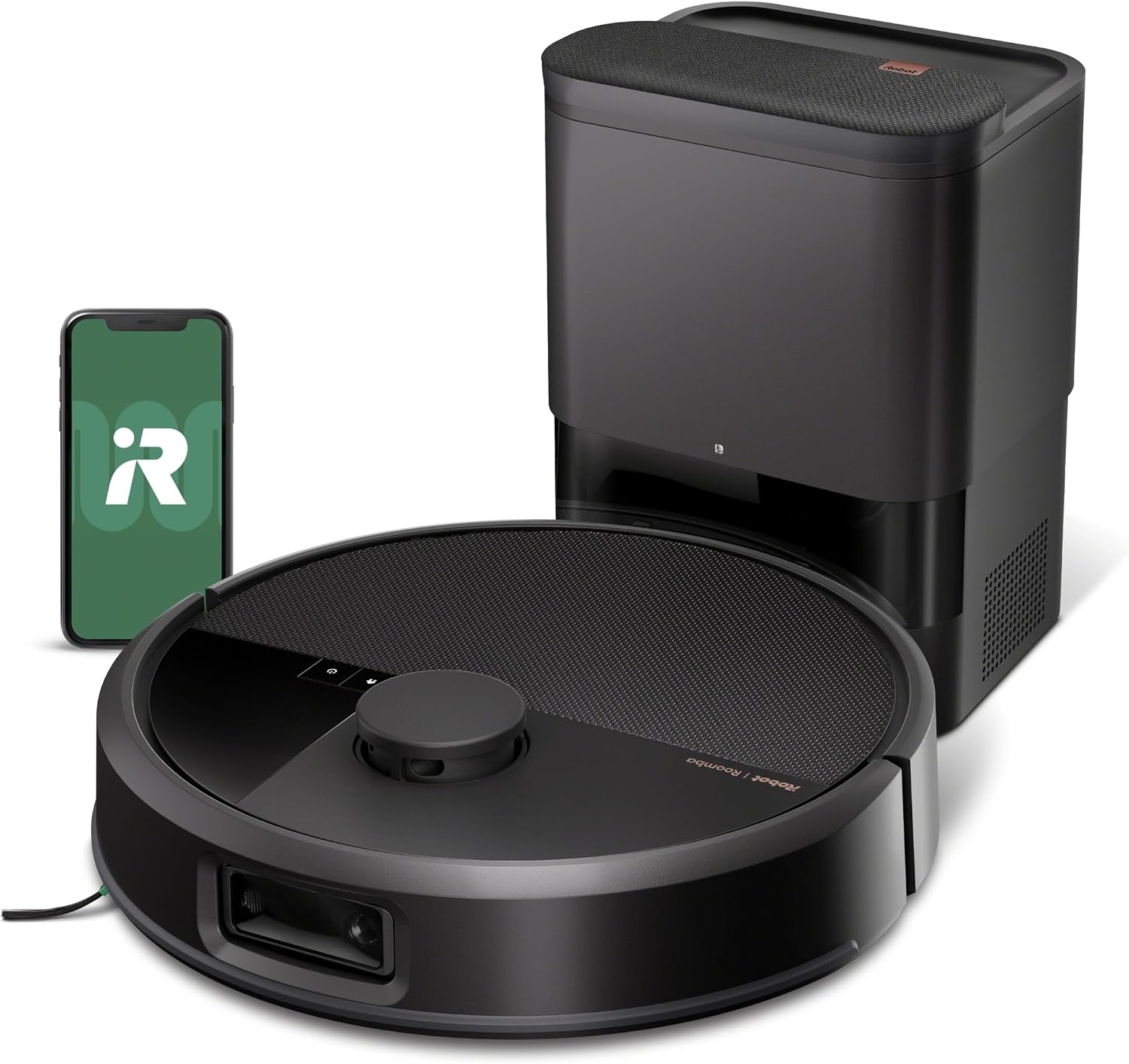
iRobot Roomba Max 715 Pet: The Pick for Serious Shedding
If pet hair is the entire reason you are shopping, this is where I would start. The spec sheet gives it the highest suction figure in this group, 30,000Pa, and more importantly it lists dual rubber anti-tangle brushes rather than a bristle roller. Bristle rollers and husky hair are a bad marriage. The hair wraps, the roller stalls, and you end up with a scissors and a ten-minute job every week. Rubber brushes shed that hair into the bin instead.
It also carries a 90-day self-emptying claim, PrecisionVision AI obstacle avoidance, and 3D mapping, which together are the things that decide whether a robot runs while you are at work or whether you are following it around the living room. Mapping plus obstacle avoidance is the combination that matters to me. A robot that maps the floor but cannot see a charging cable is still a robot you have to babysit.
Here is my honest read on the brand, because I say this every time. Roomba is what I recommend to people who never want to troubleshoot anything. The cleaning is fine, the app is fine, and the price is not fine. You are paying for the name and the reliability, and reliability is worth real money when the alternative is a machine that dies in month seven. Just know what you are buying.
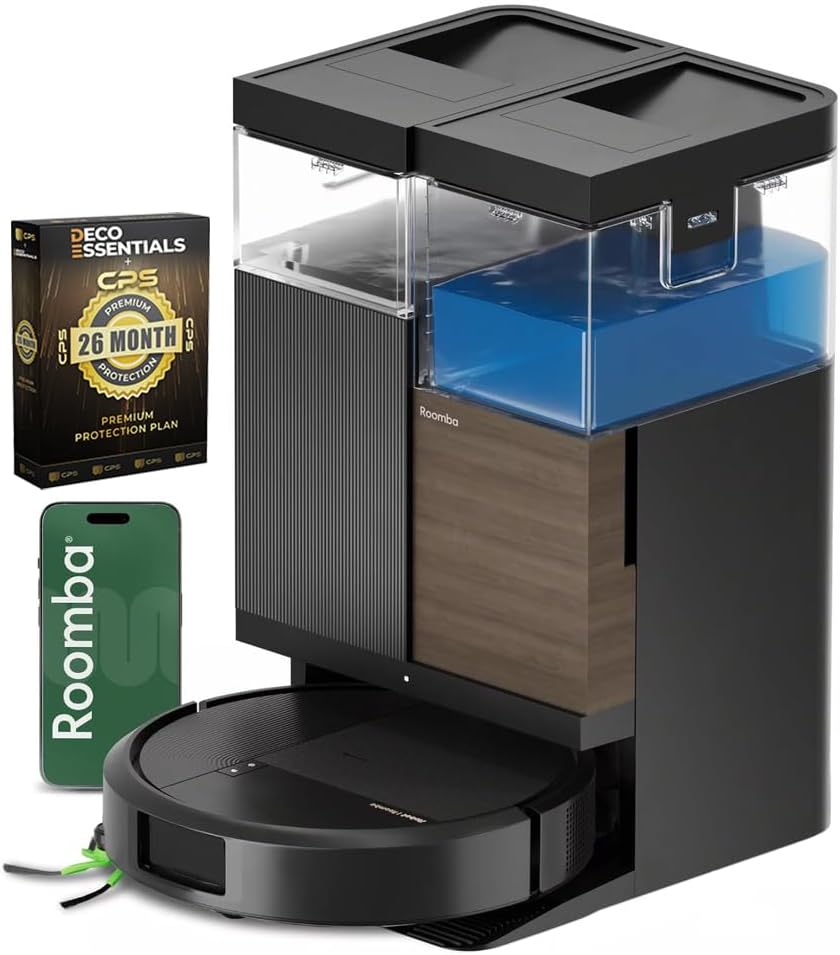
iRobot Roomba Plus 575 Combo: The One That Washes Its Own Mop
The Plus 575 Combo is the vacuum and mop bundle with an AutoWash Dock, which is the piece that makes this thing interesting. Every robot mop I have used has the same failure point, and it is not the cleaning. It is the pad. You use it, it comes back filthy, you are supposed to rinse it out, and by week three you are not rinsing it out anymore. A dock that handles the wash cycle removes the chore that makes people stop mopping with their robot.
I want to be straight about what robot mopping is, because the marketing on this category is dishonest. Robot mopping is light maintenance. It handles footprints and dust film. It does not handle dried-on stains or sticky spills, and no dock changes that. I still hand-mop my kitchen after the robot's pass, and I will keep doing it. What the robot buys you is that you do it less often.
Where this bundle makes sense is a house with hard flooring as the main surface and one or two rugs you can fence off in the app. If your house is 80 percent carpet, you are paying a lot for a mop you will use twice a month.
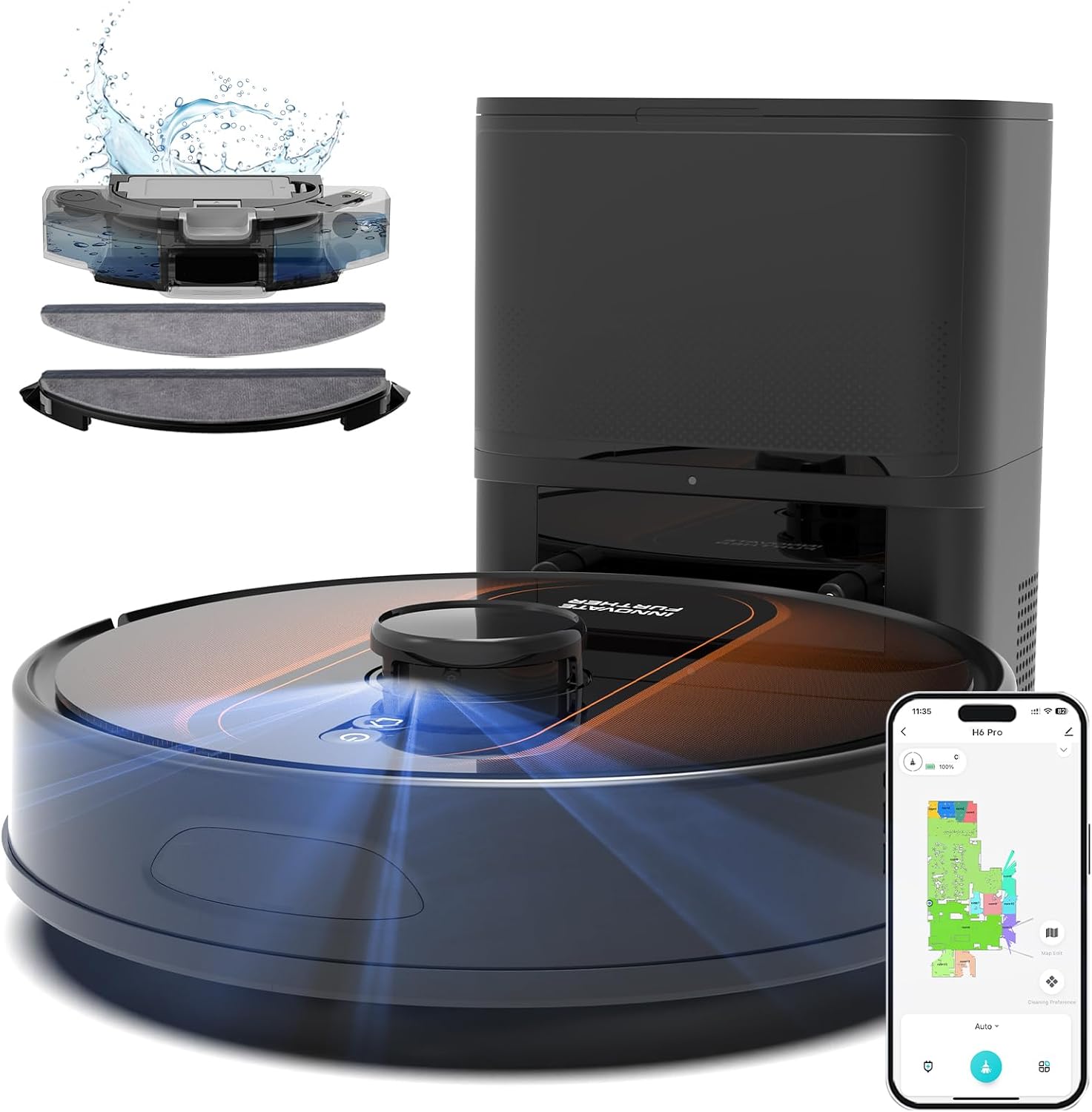
The 6000Pa LiDAR Robot Vacuum and Mop: Where the Value Lives
This is the machine I would point a friend toward if they told me they had a $250 budget and a shedding dog. It claims 6000Pa suction, LiDAR navigation with mapping, a self-empty dock rated for 90 days, Alexa and app control, and a 3-in-1 vacuum, mop, and self-empty setup. That is the mid-tier spec list, and the LiDAR part is the part that matters.
LiDAR is the difference between a robot that knows where it is and a robot that is guessing. Without it you get random navigation, which means bumping walls, re-covering the same corner three times, and skipping the hallway entirely. With it you get a map on your phone, no-go zones around the dog bowls and the cable nest behind the TV stand, and a robot that can be told to clean one room instead of the whole floor. A map and no-go zones change everything about how much you babysit the thing. I would take LiDAR and 6000Pa over random navigation and 10,000Pa every single day.
The trade-offs are real and you should hear them. This is a brand you have never heard of, so support is a gamble. The app may demand an account and a firmware update before it lets you schedule a single clean. And under $300 you will babysit a robot sometimes. That is the honest trade-off at this price. It is still the best value in this group for a normal house with normal mess.
The Replacement Cliff Sensors: The Part Nobody Plans For
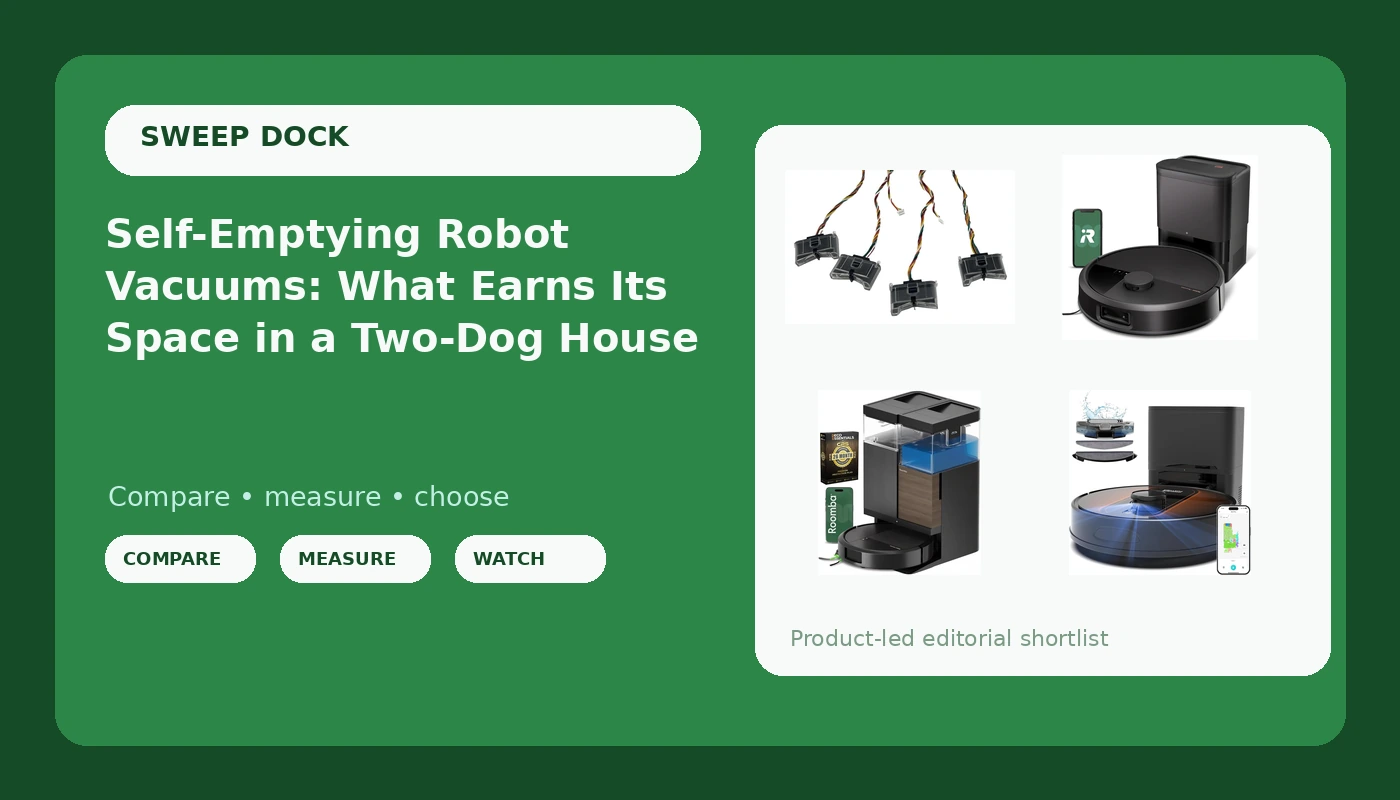
Not every purchase in this category is a new robot. Sometimes it is a $50 part that keeps a working robot working, and that is what this is. These are replacement cliff drop infrared side sensors for a long list of Shark IQ models, including the RV1001AE, RV912S, RV913S, RV1000S, QR1000SG, AV1002AE, AV1010AE, AV911S, QR1000SB, UR1000SR, UR1005AE, RV1101ARUS, and UR1105ARUS.
Cliff sensors are the ones that keep the robot from driving down a staircase or off a ledge. When they go bad, the symptoms are weird rather than obvious. The robot stops dead at a rug transition. It refuses to move off a step it handled fine last month. It starts acting like the floor is lava. Most people assume the whole unit is dying and start shopping for a new one when the actual problem is a small infrared part.
Two things to be clear about. This fits those Shark IQ models, not Roomba, so check your model number before you order. And this is a repair, not an upgrade. If your Shark IQ is navigating fine, you do not need it.
How I judge a robot vacuum
I run the same five questions against every machine, and they have nothing to do with the number printed on the box.
Can it find the dock from the farthest room in the house without me? Not the hallway, the back bedroom. Does it get caught on the same cord twice in one run? What does the mopping actually do to a dried-on stain? Does the bin survive a week of two-dog hair without clogging? And would I trust it to run while I am at work?
That last one is the whole ballgame. A robot you have to watch is a robot you will stop using. The rest is bookkeeping.
What the specs actually tell you
Suction numbers sell machines and navigation decides whether you keep using them. A 30,000Pa robot with bad navigation is a 30,000Pa paperweight. A 6000Pa robot with LiDAR and no-go zones will clean more of your floor every week.
Self-emptying is a convenience, not a "never touch your robot again" solution. Ninety days of dock capacity is 90 days of dirt, not 90 days of freedom. The filter still needs attention, the bag still fills, and the brushes still need a look. I empty my own bin every other day anyway because I like seeing the dog hair and knowing it is gone.
Anti-tangle brushes matter more than people expect in a pet house. Rubber dual brushes beat bristles for long hair, full stop. And mopping is light maintenance. If a listing calls it a deep clean, close the tab.
The reference table
| Product | What it is | Best for | Where it lands |
|---|---|---|---|
 Visit on Amazon → iRobot Roomba Max 715 Pet |
Robot vacuum, self-empty base, dual rubber brushes | Husky-level shedding on low-pile carpet | Visit on Amazon → |
 Visit on Amazon → iRobot Roomba Plus 575 Combo |
Combo vacuum and mop with an AutoWash Dock | Hard-floor houses that want the pad washed for them | Visit on Amazon → |
 Visit on Amazon → 6000Pa LiDAR robot vacuum and mop |
LiDAR mapping, self-empty dock, app and voice control | A budget that still wants a real map | Visit on Amazon → |
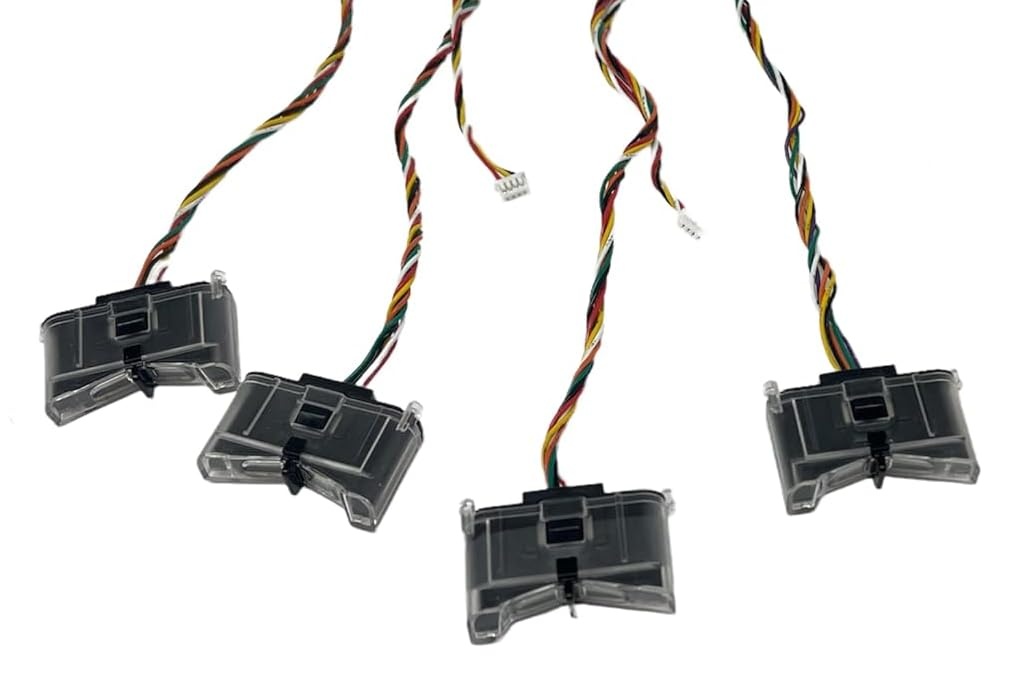 Visit on Amazon → Shark IQ replacement cliff sensors |
Infrared side sensor part for listed Shark IQ models | Reviving a robot that has started fearing the floor | Visit on Amazon → |
What the table does not tell you
It does not tell you which robot will still be running in three years. Nobody knows that, and anybody who claims otherwise is selling something. It also does not tell you what your floor looks like. Carpet coverage, cord density, and how many rug transitions you have will decide your experience more than any row above.
Why the sensor row belongs here
Because the most common bad purchase in this category is a new robot you did not need. If a two-year-old Shark IQ has started stopping at edges, the sensors are a cheap first thing to try before you spend four figures on a replacement.
Should you buy the iRobot Roomba Max 715 Pet?
Yes, if shedding is your problem and you want the lowest-drama ownership experience. The suction is the highest here, the rubber brushes are the right call for long hair, and the obstacle avoidance is the feature that decides whether you trust it alone in the house. You are paying for the badge, and I will not pretend otherwise. For some people that badge is worth it, and if you have never once pulled a robot out from under the couch, you are probably one of them.
Should you buy the iRobot Roomba Plus 575 Combo?
Yes, if hard floors dominate your house and the pad-washing chore is the thing that made you quit mopping with a robot last time. The AutoWash Dock solves a real problem. Just do not buy it expecting a deep clean. It is light maintenance, and it is good at that.
Should you buy the 6000Pa LiDAR robot vacuum and mop?
Yes, and this is the one I would buy with my own money if I were shopping today. LiDAR, mapping, no-go zones, and a self-empty dock for well under what the Roombas cost is the value play in this category. Accept that you are trading brand support for money, and that under $300 you will sometimes be the one who rescues it. That is the trade.
Should you buy the Shark IQ replacement cliff sensors?
Only if you own one of the listed Shark IQ models and it has started behaving strangely at edges and steps. It is a cheap diagnosis before an expensive replacement, and it does not fit Roomba.
The honest bottom line
None of these replaces your real vacuum. What they replace is the daily pass with a cordless stick over hardwood, the tumbleweeds of husky hair under the sofa table, and the ten minutes you spend every evening wondering why the floor already looks like it needs work again.
If hair is the enemy and you want the least fuss, the Roomba Max 715 Pet is the pick. If you have hard floors and you want the dock to wash the mop, the Plus 575 Combo is the pick. If you want LiDAR and a real map without paying Roomba money, the 6000Pa machine is the pick. And if your Shark IQ has simply gotten scared of the floor, spend the fifty dollars on the sensors before you spend anything else.